Coordinate your team.
Bring instructor profiles, availability, and intake documents into a shared view.
A clearer view of the work behind every class.
Instructor Command is a planned software suite for CPR training businesses. Starting with Training Site Pro: one place for your people, schedules, and next steps.
Explore Training Site ProClear structure for the work before, during, and after class. Designed around the people who make training happen.
Bring instructor profiles, availability, and intake documents into a shared view.
Keep the class schedule, roster preparation, and eCard follow-up easy to find.
Give requests, document review, and AED follow-up a consistent place in the workflow.
Training Site Pro is the first product in the Instructor Command suite. These planned workflows define the starting point.
A single subscription platform serving multiple training businesses, each with its own workspace. A shared product foundation, built to grow with the suite.
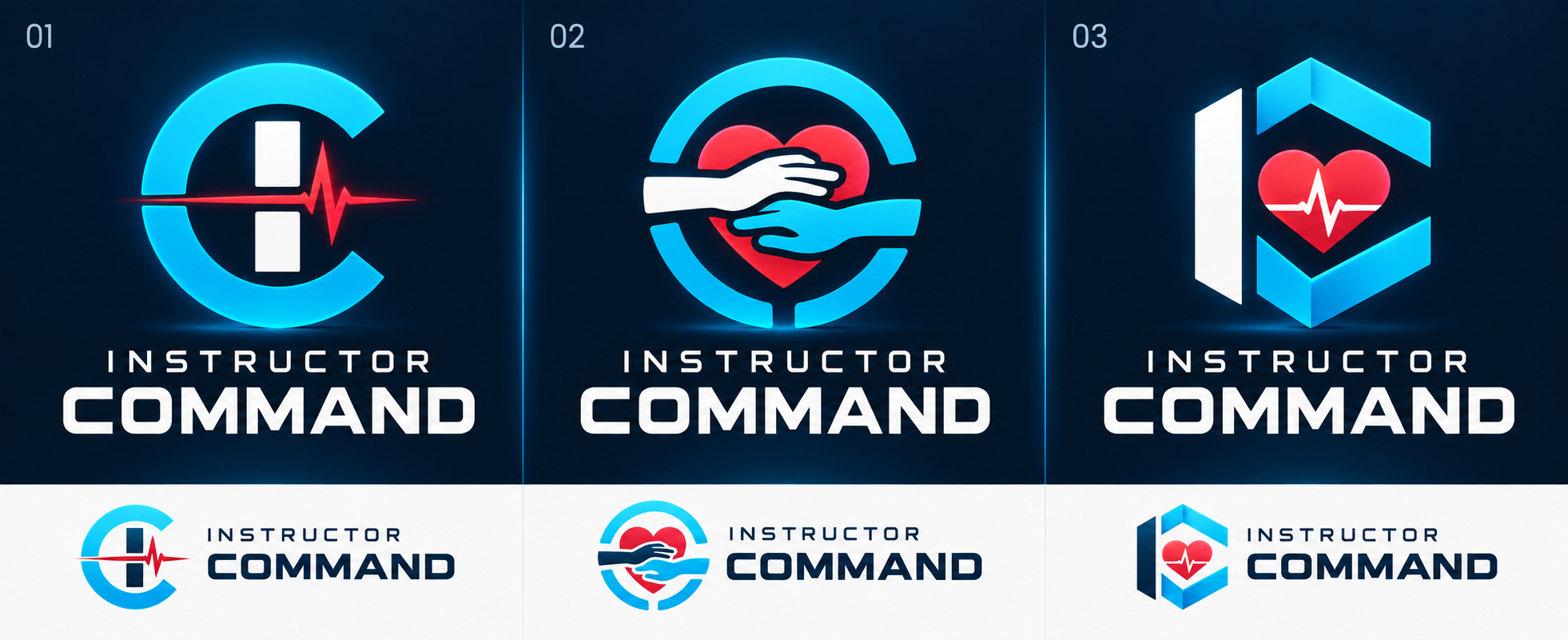
The approved Original 01 mark leads the brand. Deep navy, luminous cyan, clear type, and a restrained red accent carry that energy into the interface.
ORIGINAL 01 Approved reference artwork
This starter site shows the proposed brand, layout, and product direction. Explore it, then decide what comes next.
Return to the previewSwitch dashboard views, inspect a sample class, add a fictional class, reset the demo, and copy the theme colors. Changes stay in this page until you reload.
This is a visual prototype. All product workflows are planned, and every record is fictional. No accounts, payments, email, or business systems are connected.
Subscription details have not been defined in this concept. The planned architecture is one platform with a separate workspace for each training business.